In this article
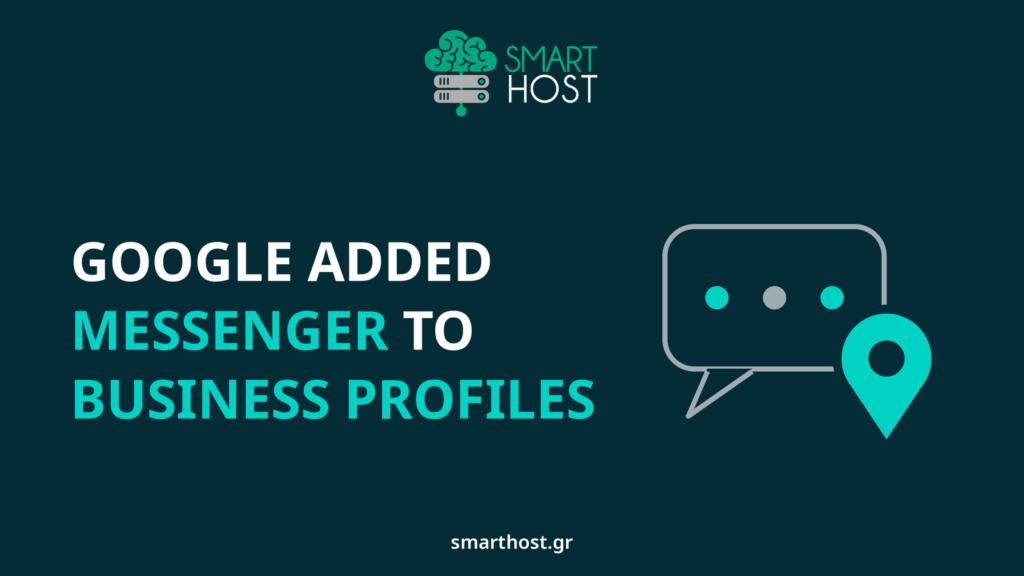
On 16 November 2026, Search Engine Roundtable logged a change that slipped by fairly quietly. Google Business Profile now lets you add your Facebook Messenger account by hand in the contact section of the listing, under the Chat options, when you edit your profile.
Until recently, Google had been sending emails about this and, on some listings, adding Messenger automatically. Now you can do it yourself when you edit the profile. The same option had already been available in Google Ads. It is now in Business Profiles as well.
We should be clear about one thing first. Barry Schwartz, who wrote up the change, could see it in his own account. It was spotted by Syed Amir, who posted on X that after all those emails he was finally seeing Facebook Messenger as an option under Chat in GBP. What they saw does not mean every Greek listing already has it. Availability on Greek profiles is not confirmed, and it has to be checked account by account. If you run a business here, open your own profile and look.
The report is on Search Engine Roundtable.
Why this matters for a salon or a beauty studio
Picture a hair salon in Thessaloniki. Someone finds you on Google while looking for a haircut nearby, glances at the photos and the reviews, and wants to ask if you have a slot on Saturday morning. If the profile only shows a phone number that nobody picks up at peak times, the next move is often to try another shop. If there is a channel you actually answer, the conversation can start there and then, while your listing is still open on their phone.
We see the same thing in beauty studios and clinics. The customer wants a quick reply and a time that works. Whatever delays that, you pay for it in bookings you never hear about.
Messenger on its own will not fill the appointment book. It is one more way in. The problem we often see is not the missing extra button. It is that the path breaks somewhere in the middle: a wrong number, a site that falls apart on a phone, or a “book now” button that leads to a form nobody answers.
From Google to the appointment
Open your profile the way a customer would, on a phone. Not from the shop computer, on the shop network, with everything already saved.
Start with the basics. Is the name right, the one people actually use? Does the address take them to your door? Does the phone ring on the number you answer today? Are the hours still right, including holidays and days off? This all sounds obvious, and yet these are the first things that go stale when something changes in the day-to-day.
Then check the links. Does the website open? Does the contact or booking page go to the one you use now, or to an older version from the last redesign? If you have buttons for Instagram, Facebook or your Messenger page, try them one by one. A dead link on an otherwise tidy profile drives people away faster than an average photo.
If your own profile already shows Facebook Messenger under Chat, add it only if you actually reply there. A channel that sits unread does more harm than good. The customer thinks someone is waiting for them, and then they wait in silence.
The last step matters most if you live on appointments. When the customer wants to book, where do they end up? A phone call, a chat, or a page where they can see open times and book themselves? If you promise online booking, that page has to work. Not “send us a message and we will let you know.”
For businesses like these, a working booking page together with a tidy Google profile usually does more than any single chat button. Messenger can start the conversation. The booking is the result. If you want to see how that sits on a website, we have laid out the approach on our booking system page. And if the profile and the pages also need more systematic work in search, have a look at our SEO services.
If you do not see it on your profile yet
Do not assume you have done something wrong. The report is based on accounts where the option appeared on 16 November. We do not know in what order Google is rolling it out across countries and categories. Check your own profile, and look again in a few days if it is not there yet.
If it is there, and you already use Messenger for the business, add it from the profile editor, under the Chat options. If you do not open Messenger in the daily work, leave it. There is no point showing a channel you will not have time to watch.
If you want us to look at it with you
At Smarthost we often work with small businesses that take appointments. We build or fix the website, connect a booking system that actually holds a slot, and tidy up the Google presence where it is needed.
If you want, we can go through your profile, the links and the path to the booking together. Messenger is a detail. It counts when the rest of the path holds up.
Frequently asked questions
Is Messenger already available on every Greek Google Business Profile?
We have not confirmed that. The 16 November 2026 report covers accounts where the option appeared under Chat when editing the profile. Check your own account. It may already be there, or it may not be yet.
Do I have to add Facebook Messenger to my profile?
No. Add it if you already use it and you actually reply there. A channel with no response confuses the customer, because they think someone is waiting for them.
Is Messenger enough to get more appointments?
Not on its own. It helps as a contact point, provided the rest of the path works: accurate details on the profile, working links and, ideally, a page where the customer can book an appointment.